
Automation: Remove orphaned Cashflow item
Purpose If a Cashflow items row becomes orphaned—i.e. it no longer links to Hours, Projects or Expenses—Airtable automatically deletes it. This keeps the ledger clean when source records are removed or un‑linked.
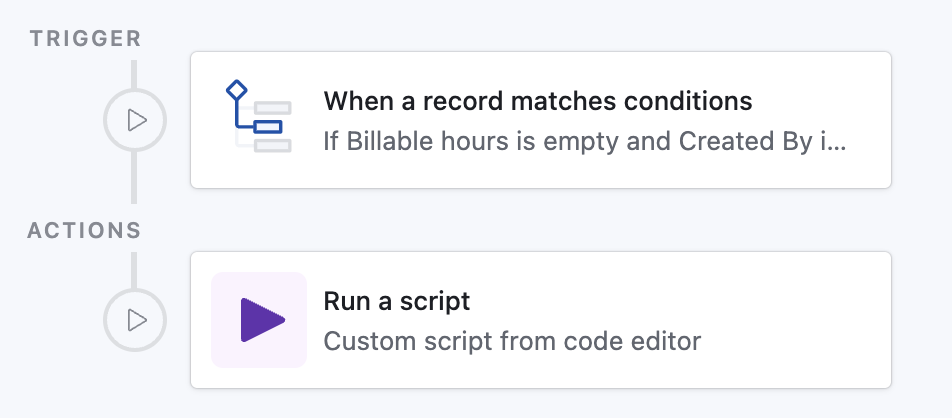
How it works
Detects any Cashflow items record that meets all of these conditions:
- Billable hours is empty
- Billed projects is empty
- Expense is empty
- Created By is Automations ← ensures we only delete rows that were auto‑generated earlier.
Runs a script that receives the record’s ID and calls
deleteRecordAsync()on the same table.
Prompt for Airtable Omni
(Quickly create this automation via AI in your base)
text
Create an automation:

• Trigger
  - Type: “When record matches conditions”
  - Table: Cashflow items
  - Conditions:
      1. Field “Billable hours” is empty
      2. Field “Billed projects” is empty
      3. Field “Expense” is empty
      4. Field “Created By” is Automations

• Action
  - Type: “Run script”
  - Input variables:
      • recordId ← Airtable record ID
  - Script:
      const recordId = input.config().recordId;
      const table    = base.getTable('Cashflow items');

      await table.deleteRecordAsync(recordId);
Paste this into the AI Assist prompt inside Automations; Airtable will set up the trigger and insert the script template automatically.