
Automation: Expenses → Cashflow items
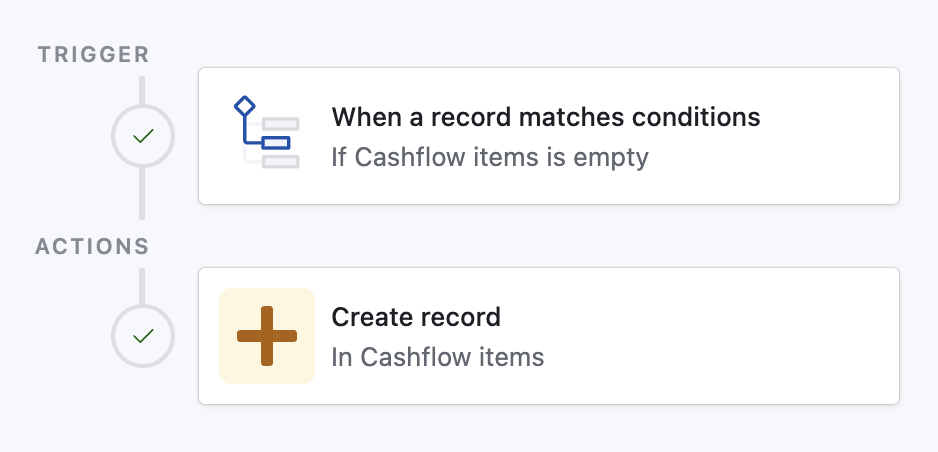
Purpose Whenever an Expenses record has no linked Cashflow item, Airtable automatically:
- Detects the record (trigger: Cashflow items is empty).
- Creates a matching record in Cashflow items and links it back to the expense.
This ensures every cost is captured in the cash-flow ledger instantly—no manual copying and no missed entries.
Copy‑paste prompt for Airtable AI Assist
text
Create an automation:

• Trigger
  - Type: “When record matches conditions”
  - Table: Expenses
  - Conditions:
      1. Field “Cashflow items” is empty

• Action
  - Type: “Create record”
  - Table: Cashflow items
  - Set field “Expense” to airtableRecordId()   // link the new Cashflow item back to the triggering record
Paste the block above into the AI Assist prompt inside Automations; Airtable will scaffold the trigger and action for you.