
Automation: Set Currency on Billed projects
Purpose Whenever a Billed projects record is assigned a Client, but its Currency field is still empty, Airtable automatically copies in the client’s default currency. This ensures every project record immediately reflects the correct currency without manual selection. Instead of a lookup the currency is copied because in the future the client's default currency might change.
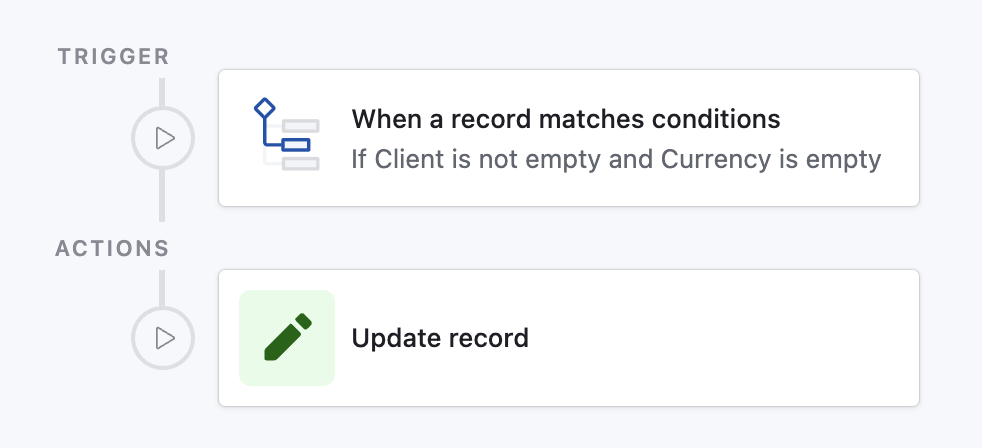
How it works
Detects any Billed projects record where:
- Client is not empty
- Currency is empty
Updates that record:
- Sets Currency to the name from Currency (from Client) lookup
Prompt for Airtable Omni
(Quickly create this automation via AI in your base)
text
Create an automation:

• Trigger
  - Type: “When record matches conditions”
  - Table: Billed projects
  - Conditions:
      1. Field “Client” is not empty
      2. Field “Currency” is empty

• Action
  - Type: “Update record”
  - Table: Billed projects
  - Record ID ← Airtable record ID of triggering record
  - Fields to update:
      • Currency ← Currency (from Client) ▶ Name
Paste this into the AI Assist prompt inside Automations; Airtable will scaffold the trigger and update step for you.