
Automation: Billable hours → Cashflow items
Purpose Whenever a Billable hours record gains a client but still has no linked Cashflow item, Airtable automatically:
- Detects the record (trigger: Cashflow items is empty and Client is not empty).
- Creates a matching record in Cashflow items and links it back to the hour entry.
This ensures every billable time log is instantly represented in the cash‑flow ledger—no manual copying and no duplicates.
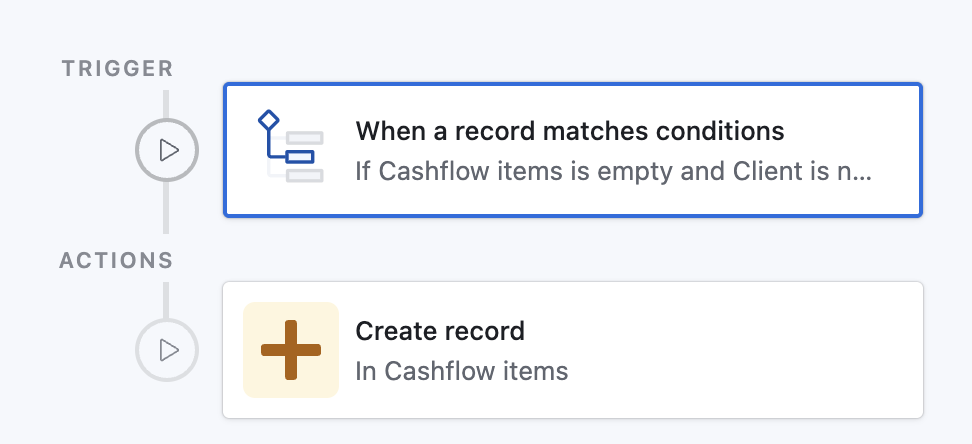
Prompt for Airtable Omni
(Quickly create this automation via AI in your base)
text
Create an automation:

• Trigger
  - Type: “When record matches conditions”
  - Table: Billable hours
  - Conditions:
      1. Field “Cashflow items” is empty
      2. Field “Client” is not empty

• Action
  - Type: “Create record”
  - Table: Cashflow items
  - Set field “Billable hours” to airtableRecordId()   // link the new Cashflow item back to the triggering record
Paste the block above into the AI Assist prompt inside Automations; Airtable will scaffold the trigger and action for you.